









Scan&GO Step by Step: Cashback from a Receipt in Just a Few Seconds
Pay as usual, take a photo of the receipt, and the AI will take care of the rest. We'll show you how to do it and what to watch out for.
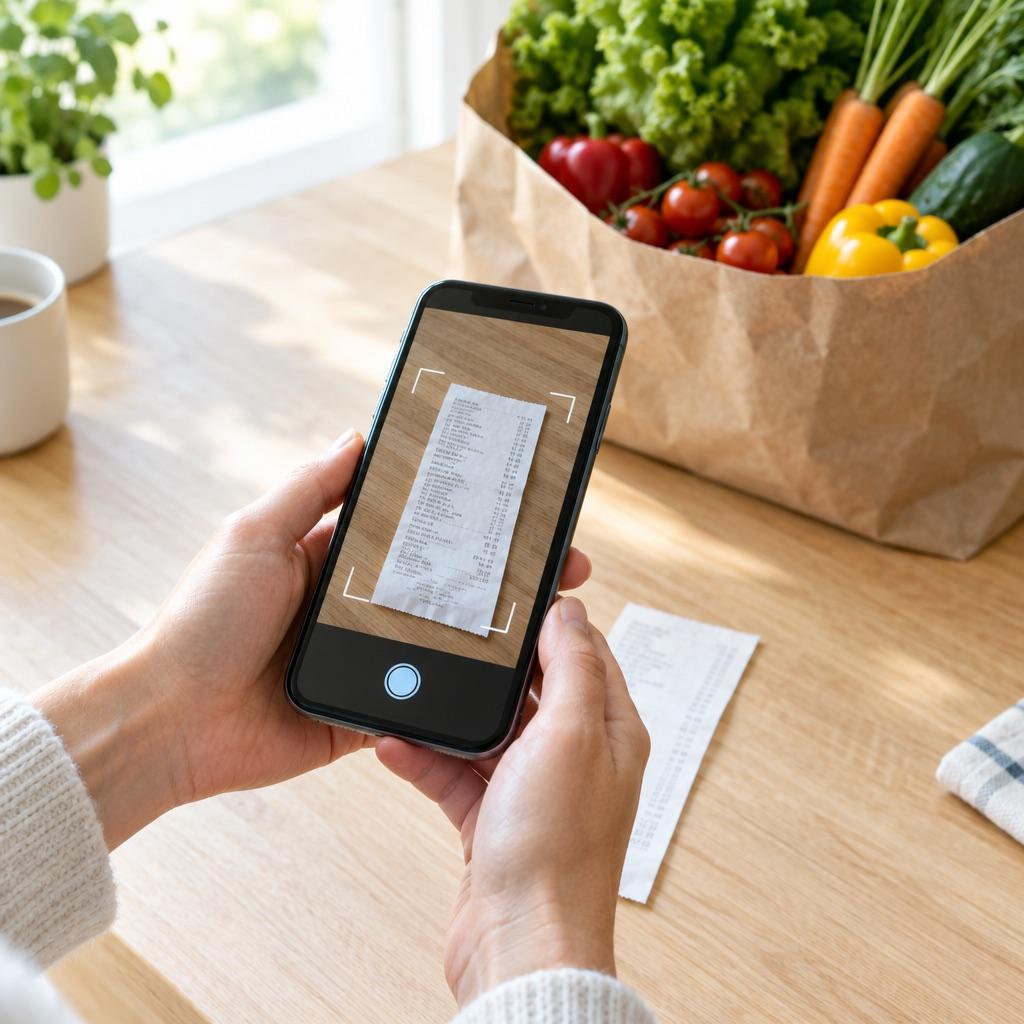
Scan&GO is the easiest way to get cashback even when you’re not paying through the app. Nothing changes for you at the register—just keep your receipt.
1. Pay as usual
At a WEXO partner, you pay by card or cash, just as you’re used to. The staff doesn’t have to scan or enter anything.
2. Take a photo of your receipt
Anytime later—even at home—open the WEXO app, select Scan&GO, and take a photo of the receipt. One photo is all it takes.
3. AI verifies it
The receipt undergoes a two-tier AI verification process. You don’t have to wait for someone to review it manually.
4. Cashback is deposited into your wallet
Once verified, the cashback will be credited to your WEXO wallet, usually within 7 days. You can view the status of each receipt in the app.
Tips to ensure everything goes smoothly
- Take a photo of the entire receipt, including the header with the business name, date, and total amount.
- Make sure the lighting is good and the image is sharp—if the receipt is wrinkled, just smooth it out with your hand.
- Upload the receipt as soon as possible, before the thermal paper fades.
- Scan&GO works with WEXO partners—you can find them on the map in the app.
And that’s it. No cards, no coupons—just the receipt and a few seconds of your time.